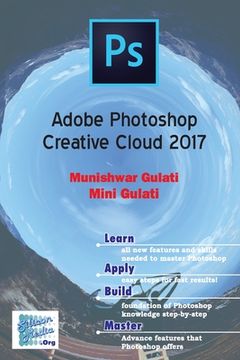
Adobe PhotoShop Creative Cloud 2017 - The easy way to colour painting, photo retouching and image editing, even if you have never designed before. This book provides step-by-step information on how to use all the tools of Photoshop. The concept has been explained in plain simple English, thus ensuring you understand. The book is a must-read for Web-designers, Artists, Publishers, and anyone who is interested in getting most out of this innovative art production tool.How the book is organisedChapter 1 introduces you to Adobe PhotoShop Creative Cloud 2017 and discuss about various menus and using PhotoShop help.Chapter 2 tells you the various concepts required to work with images. It tells you about resolution, resampling, cropping and scanning of images besides other concepts.Chapter 3 explains you the concept of colours gamuts, channels and palettes provided in Photoshop. As you move on to Chapter 4, you are introduced to various tools required for selecting the image. Chapter 5 covers all about freehand drawing and paths and shapes and using them for various purpose. Chapter 6 tells you about various tools required for Painting and Erasing in Photoshop.Chapter 7 tells you about tools required for editing and retouching the image. Chapter 8 tells you to write text in Photoshop images.Chapter 9 tells you all about working with Layers, editing Layers and adding effects to the layers.Chapter 10 tells you about working with Channels and Masks.Chapter 11 discusses various filters that can be applied to the images.Chapter 12 tells you all about optimizing and automating the task in Photoshop.This book is a sincere effort for explaining the concepts of Adove Photoshop. We sincerely hope that you find this work to be informative and enjoyable. As a reader, you are the most important critic and commentator of our books. We value your opinion and want to know what we are doing right, what we could do better, what areas you would like to see us publish in, and any other words of wisdom you are willing to pass.